

Our approach
Accessibility is part of how we design, build and operate this site, not a separate layer added afterwards. We use the Web Content Accessibility Guidelines (WCAG) 2.2 as our design and testing reference, and we keep checking the site as it changes.
What we build in
- Structure. Semantic HTML with landmarks, one main heading per page and a logical heading order, plus a “Skip to content” link.
- Keyboard use. Navigation, the full-screen menus, the work navigator, the privacy-choices dialog and the project planner can all be used with a keyboard. Focus is visible, is kept inside open menus and dialogs, and returns to where you were when they close. Escape closes menus and dialogs without losing anything you have entered.
- Motion. Animation is reduced when your system asks for reduced motion, and the homepage showreel has a pause control. Nothing plays sound.
- Contrast and colour. Text colours are chosen for readable contrast on both dark and light sections, and state is not shown by colour alone, the planner’s progress, for example, is also given in words.
- Forms. Every field has a visible label. Required fields are marked, errors are described in text next to the field and linked to it, and the result of sending is announced. Forms never report success unless a submission was actually received.
- Text alternatives. Informative images have text alternatives describing what they show; decorative images are hidden from assistive technology.
- Without JavaScript. Pages remain readable and navigable. Interactive tools that need JavaScript, such as the project planner, offer a direct alternative.
- Zoom and small screens. Layouts adapt from small phones to large displays and support browser zoom without loss of content.
What we do not claim
We have not had a formal, independent accessibility audit of this site, so we do not claim certified conformance with WCAG or any other standard. This page describes our practices and intent. We will update it if an audit is carried out.
Known limitations
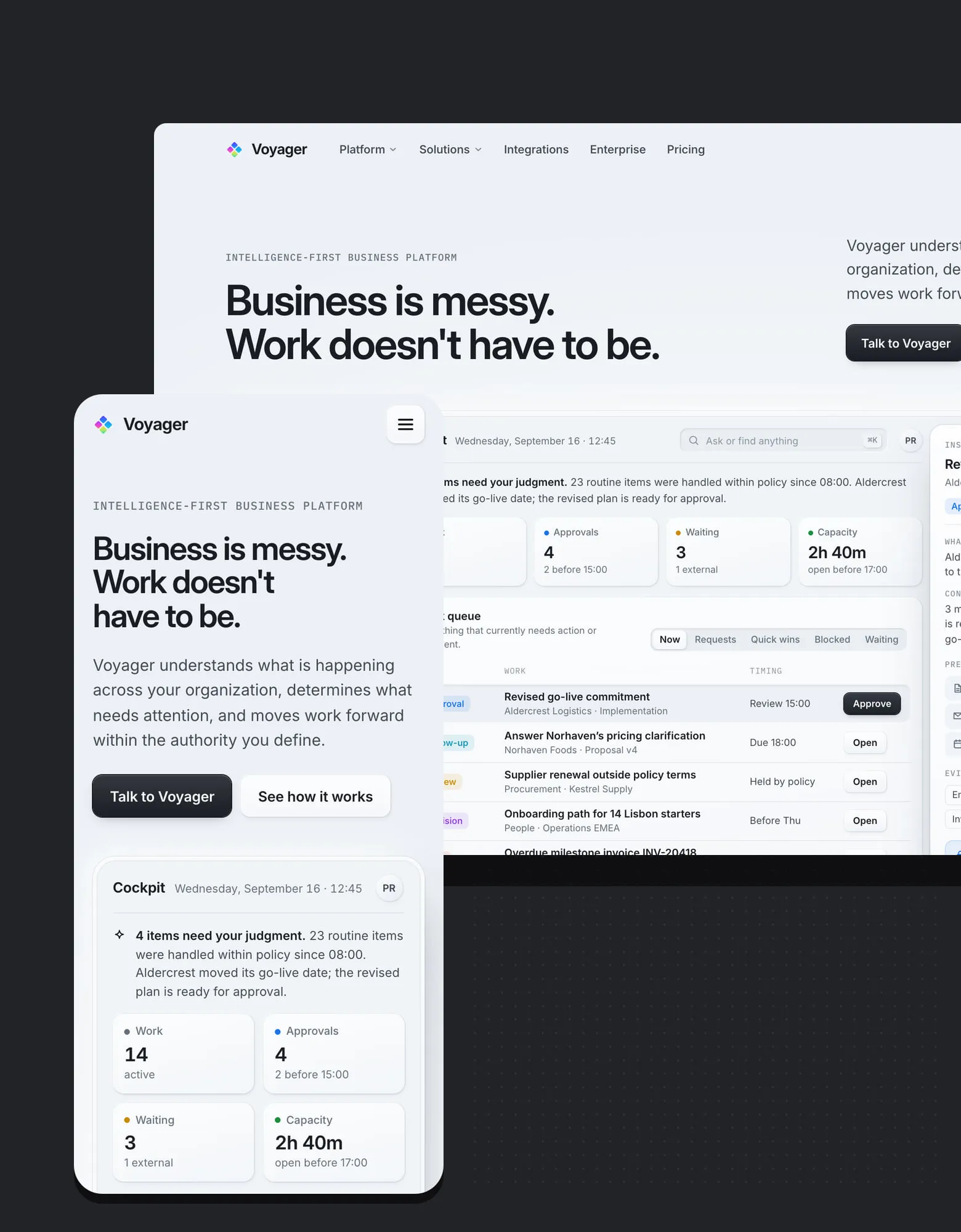
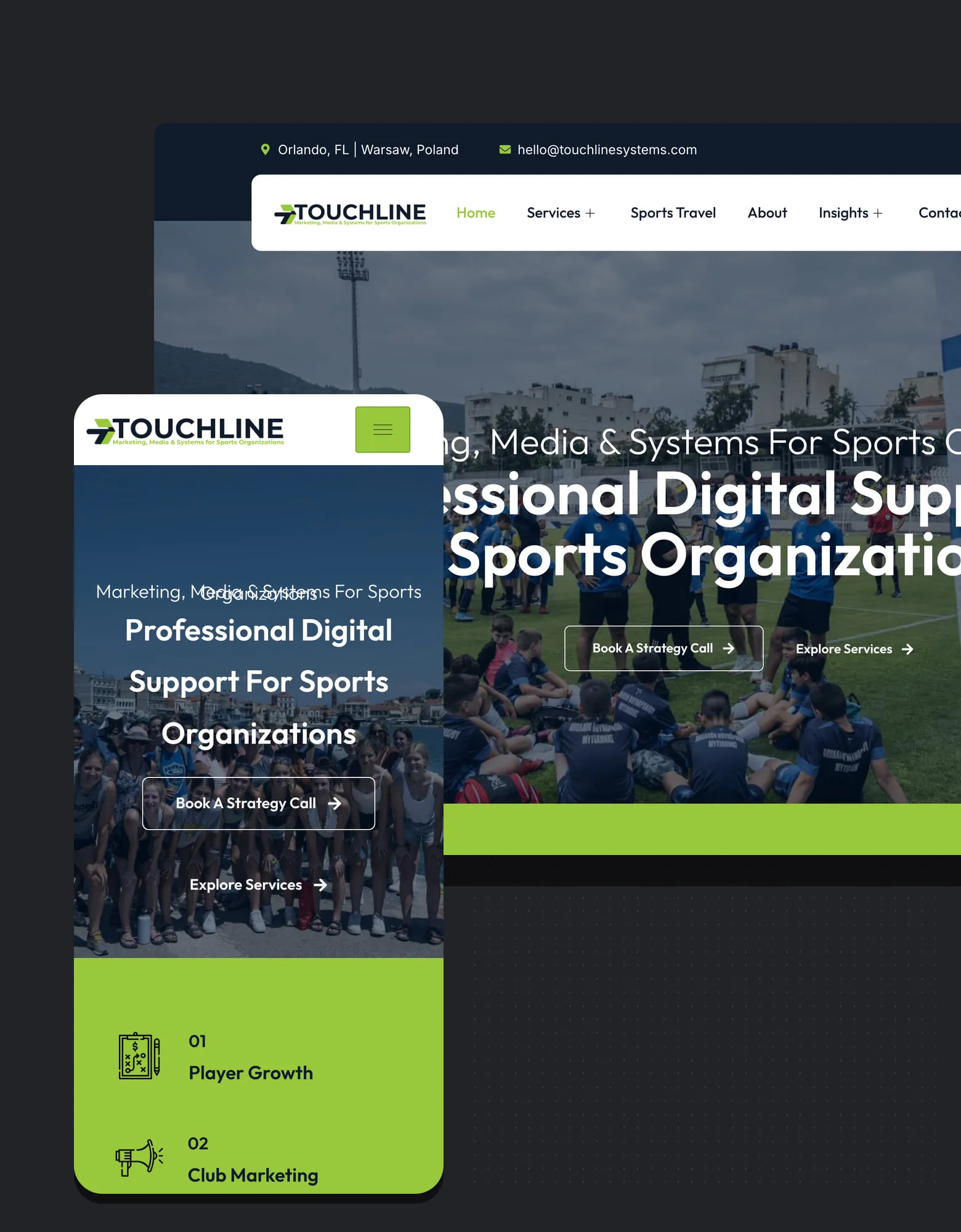
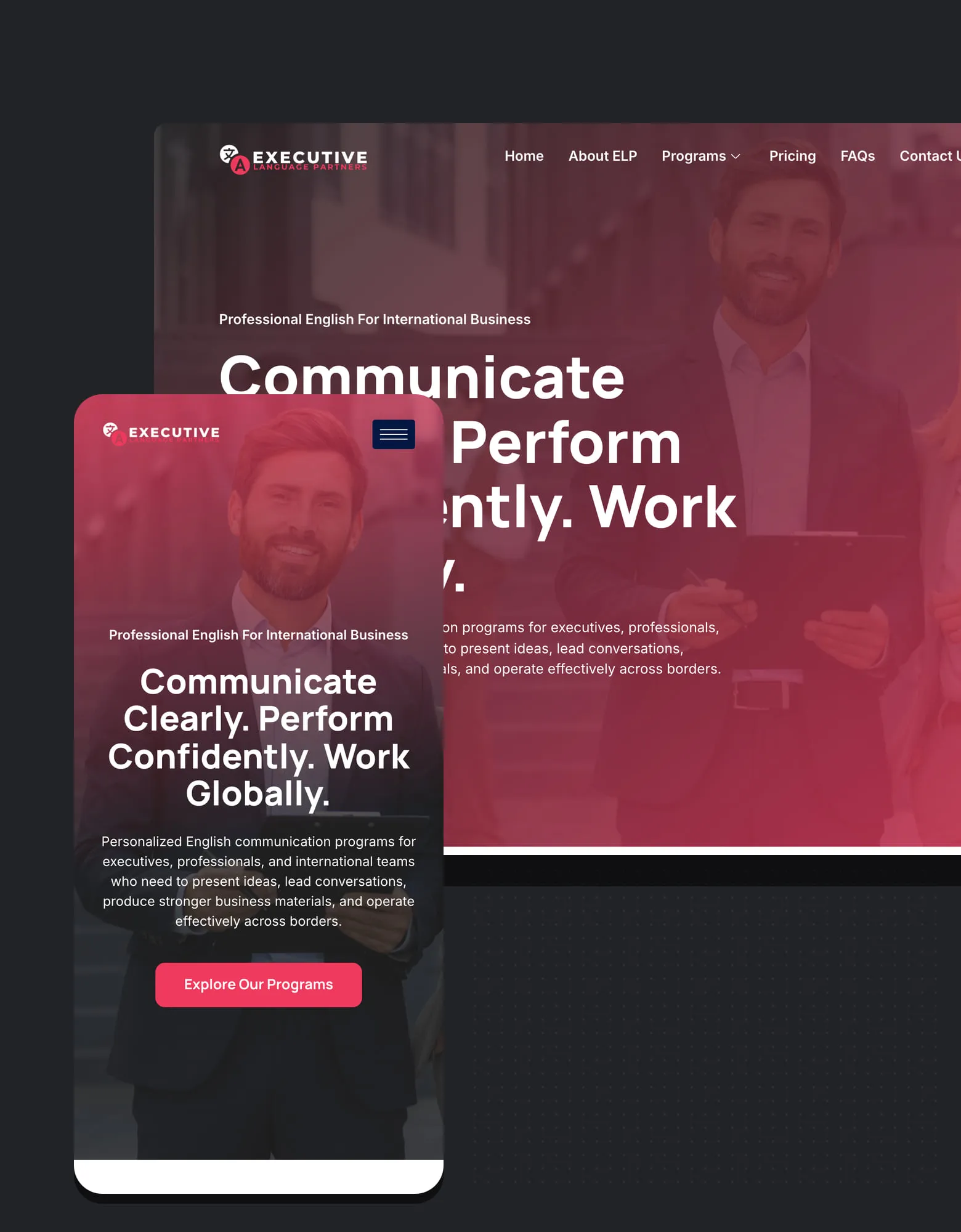
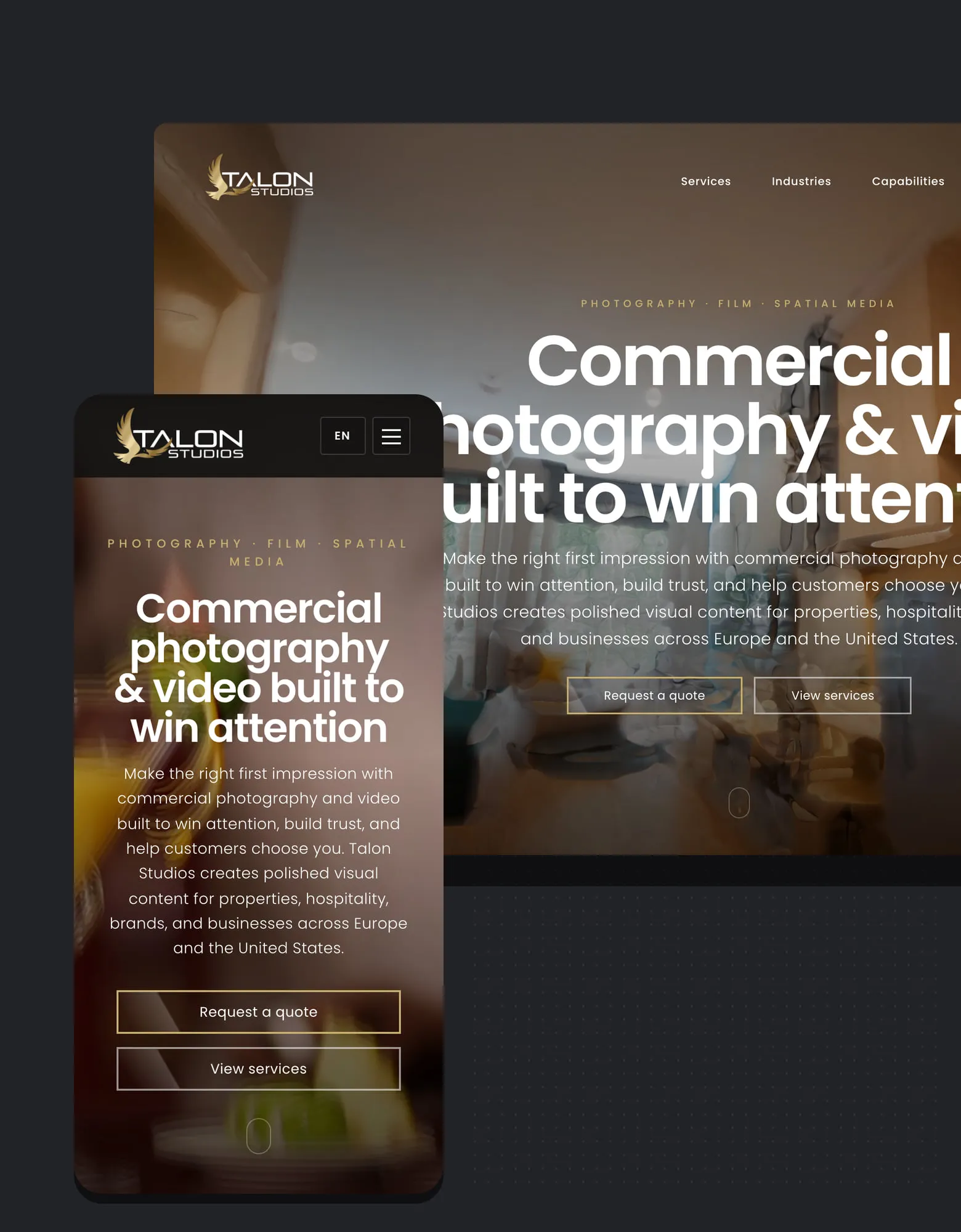
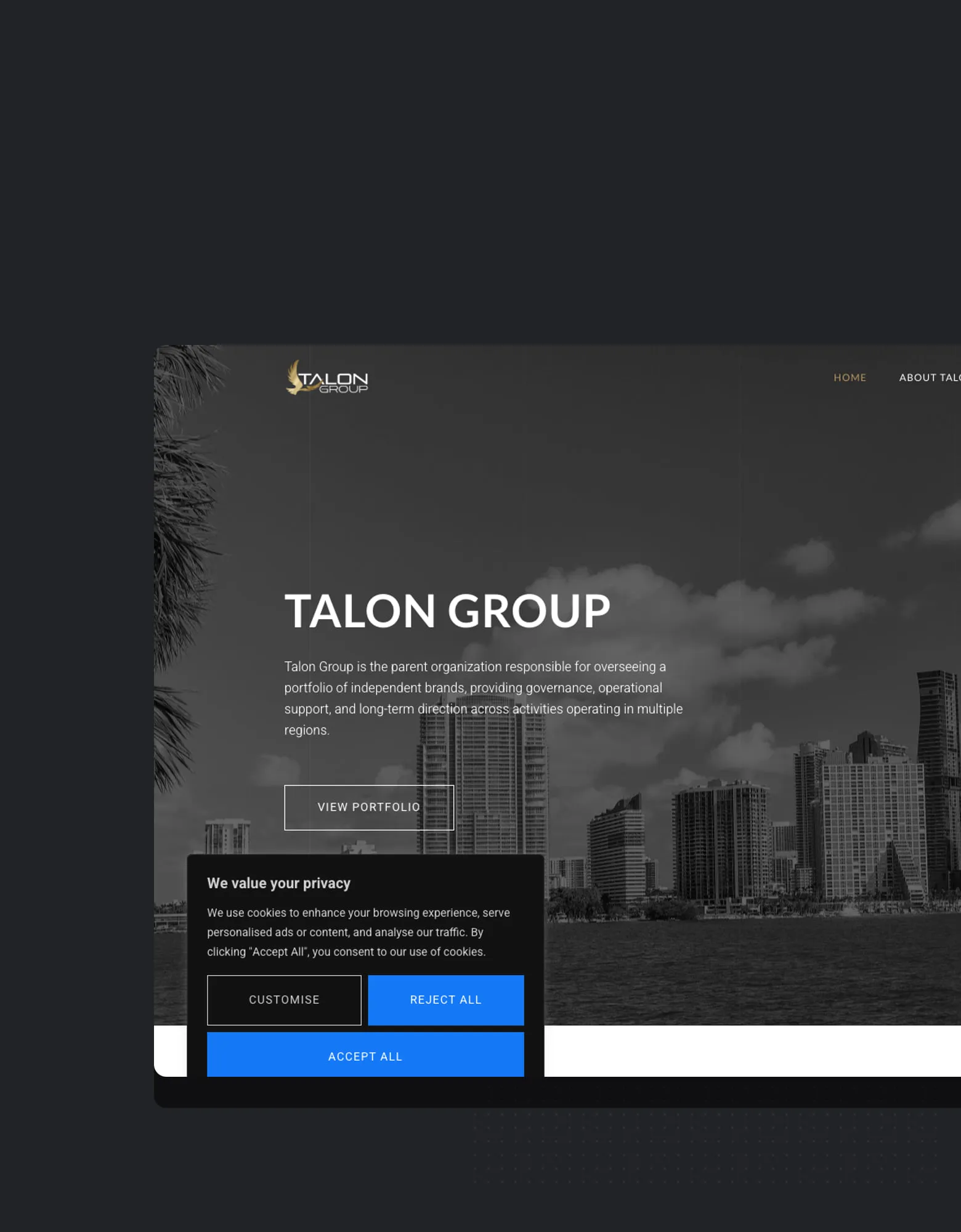
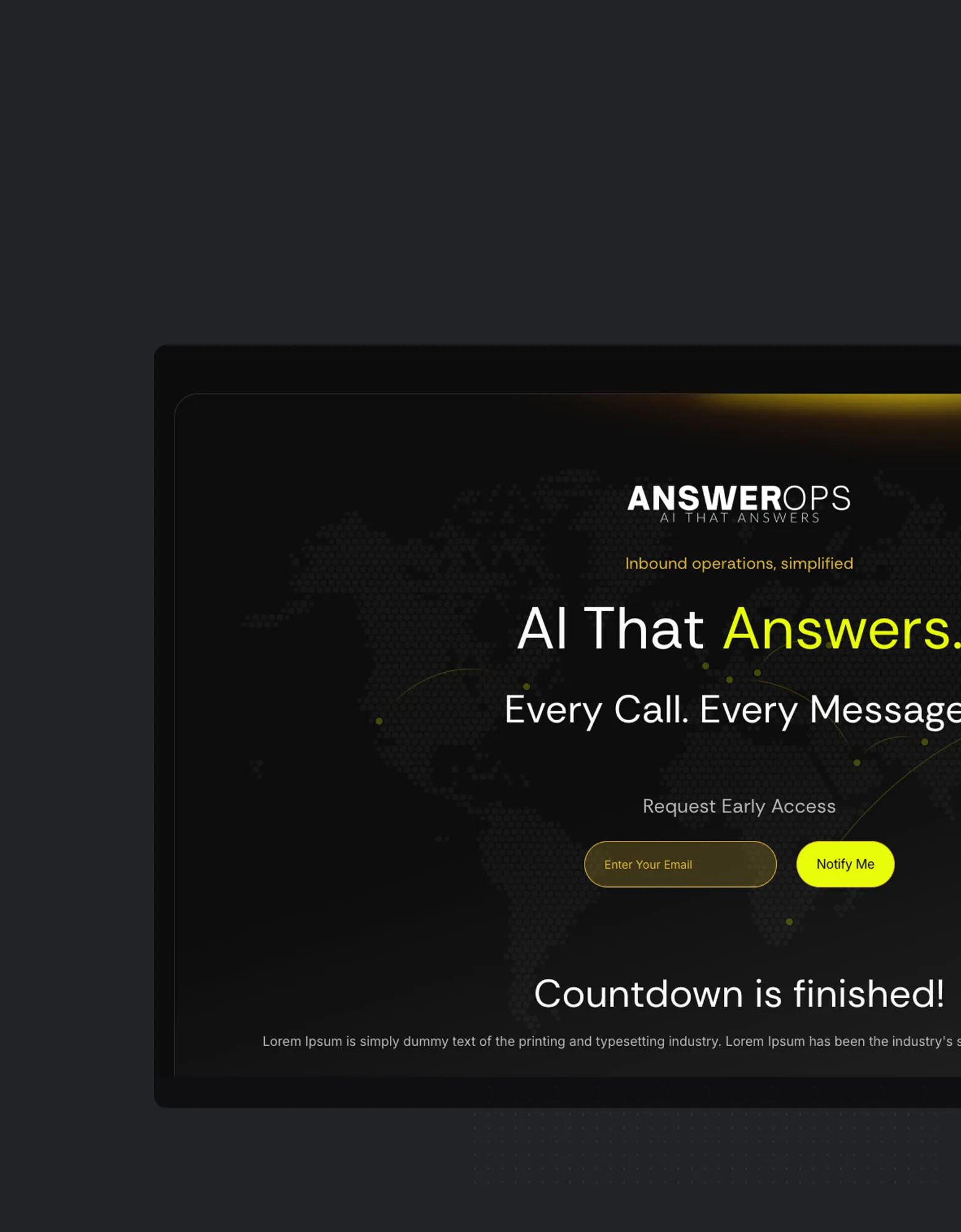
- Portfolio pages show screenshots of websites and applications we worked on. Each has a text description, but the screenshots are images and do not reproduce the full content of those properties.
- The project planner at /start/ needs JavaScript. The assessment request, the contact form and email are always available instead.
- Links to other organizations’ websites lead to content we do not control.
Tell us about a problem
If something on the site is hard to use, please email hello@colorbullagency.com with “Accessibility” in the subject line. It helps to include the page address, what you were trying to do, and the browser or assistive technology you use. A person will read it, reply, and, where we can, provide the information you need in another way while we fix the problem.